The best waiver software for most small businesses is the one that gets every customer signed quickly on their own phone or a front desk tablet, handles minors properly, stores records you can find in seconds, and has a price that does not jump in your busy season. FairWaiver, Smartwaiver, WaiverForever, WaiverSign, Waiver Electronic, Wherewolf and Jotform all do the basics. The big differences are pricing model, offline support and how much extra (marketing, bookings, other forms) you want in the same tool.
Below is a fair comparison based on each company's own pricing and help pages in November 2026. We make FairWaiver, so we list it first, but we also say where the others are a better fit.
Quick comparison
| Software | Pricing model | Entry price | Cost at about 300 waivers a month | Free plan | Offline app |
|---|---|---|---|---|---|
| FairWaiver | Flat | $15/month | $15 | Yes, 25 signatures a month | No |
| Smartwaiver | Volume tiers | $22/month for 100 | $60 | No, trial | Yes |
| WaiverForever | Base fee plus per submission | $19/month plus usage | about $44 | Yes, 20 submissions a month | Yes |
| WaiverSign | Included waivers plus $0.15 each | $19/month for 100 | about $49 | No, 7-day trial | Not stated |
| Waiver Electronic | Volume tiers | $11.99/month for 70 | $34.99 in year one, $49.99 after | No, 15-day trial | Yes |
| Wherewolf | Marketing platform tiers | $89/month billed yearly | $89 or more | Free sign-up, limits not published | Yes, from Grow plan |
| Jotform | General form builder tiers | Free, then $39/month | $39 ($34 billed yearly) | Yes, 100 submissions a month | Yes |
Prices are in US dollars, monthly billing unless noted, as listed on each vendor's site in November 2026. Check their pages before you buy, because pricing changes.
1. FairWaiver
FairWaiver is an online waiver tool for small businesses with one flat price: Pro is $15/month or $150/year for unlimited signatures and forms. The Free plan includes 1 active form and 25 signatures a month with no credit card.
What you get on every plan: signing on any phone, tablet or computer with no app, a share link, QR code poster, tablet kiosk mode that resets after each signer, website embed, email invitations, pre-filled links, group links for parties and teams, minors signed by a parent or guardian with an under-18 check, custom and follow-up questions, photo or ID upload, initials, drawn or typed signatures, expiry dates, a signed PDF with audit trail for every signer, a searchable archive, check-in and staff logins. You can upload your current waiver as a PDF, Word file or photos and it becomes an online form automatically. Pro adds your logo, expiry reminder emails, webhooks for Zapier, CSV export and bulk PDF download.
Pros: lowest cost at any real volume, no counter to watch, simple setup, a usable free plan.
Cons: no offline mode, no native app, no SMS, no booking or payments.
Best for: gyms, studios, rentals, tattoo and beauty businesses, camps and event organizers who want waivers handled well without per-waiver pricing.
2. Smartwaiver
Smartwaiver is the best-known name in the category, with more than 15 years in business. Pricing is by monthly volume: $22 for up to 100 waivers, $60 for 300, $160 for 1,000 and $205 for 2,500, with Enterprise above that. Yearly plans save up to 20%.
Pros: mature product, kiosk app with offline mode, a team that builds your waiver for you, a low-cost storage plan for the off-season, enterprise support.
Cons: no free plan, and according to its help center your waiver links and kiosk stop accepting signatures once you pass the monthly limit until you upgrade. Seasonal businesses need to watch their counter. See our Smartwaiver pricing guide.
Best for: larger or multi-location operators who need offline signing and are comfortable picking a volume tier. Compare: FairWaiver vs Smartwaiver.
3. WaiverForever
WaiverForever has three paid plans, Essential ($19/month), Standard ($39) and Scale ($129), each with the first 50 submissions included and a usage charge after that, starting at $0.10 per submission and dropping to $0.05 at high volume. The free plan includes 20 submissions a month.
Pros: free plan, offline devices, HIPAA support on higher plans, SSO, solid feature depth.
Cons: your bill changes every month with volume, and conditional logic, pre-filled links, redirects, export, team users and webhooks start on the $39 Standard plan.
Best for: businesses with low or irregular volume, or those who need HIPAA paperwork or SSO. Compare: FairWaiver vs WaiverForever.
4. WaiverSign
WaiverSign includes a set number of waivers per plan and charges $0.15 for each one above it: Growth is $19/month for 100, Professional $49 for 250 and Business $149 for 1,000. There is a 7-day trial.
Pros: you are never cut off at a limit, unlimited users on every plan, SMS and email automation, lead capture, Zapier, custom plans for seasonal businesses and single events.
Cons: no free plan, and per-waiver charges add up in a busy month. At 2,500 waivers a month the Business plan works out to about $374.
Best for: activity and charter businesses that want texting and marketing tools with their waivers. Compare: FairWaiver vs WaiverSign.
5. Waiver Electronic
Waiver Electronic sizes plans by monthly volume, from Basic (70 waivers, $11.99/month in year one, then $14.99) through Starter (600 waivers, $34.99, then $49.99) to Business (2,500 waivers, $119.99) and beyond. Every plan includes a 15-day trial, unlimited devices and unlimited templates.
Pros: offline app for iPad, Android and Fire tablets, online booking module, low prices at high volume, their team converts your existing waiver.
Cons: Basic covers only 70 waivers a month, first-year prices rise in year two, and the pricing page does not say what happens above your plan's volume.
Best for: businesses that want bookings and waivers in one tool, or that sign waivers with poor signal. Compare: FairWaiver vs Waiver Electronic.
6. Wherewolf
Wherewolf is a waiver and guest marketing platform for tour and activity operators. Launch is $89/month billed yearly ($134 monthly), Grow $149 ($224) and Scale $299 ($449). Plans include automated review requests and guest analytics, and higher tiers add email and SMS campaigns, kiosk and offline mode, and photo and ID capture.
Pros: strong post-visit marketing, review automation, booking integrations, auto upgrade so you are not blocked at a limit.
Cons: the most expensive option here if you only need waivers. Volume limits are not listed on the pricing page, and kiosk mode starts on the $149 Grow plan.
Best for: tour operators who want their waiver to feed reviews and repeat bookings. Compare: FairWaiver vs Wherewolf.
7. Jotform
Jotform is a general online form builder that many businesses also use for waivers. The free Starter plan allows 5 forms and 100 submissions a month (500 stored in total), and paid plans are $39, $49 and $129 a month ($34, $39 and $99 billed yearly) with higher limits.
Pros: extremely flexible, thousands of templates, payments, an offline kiosk mode in its mobile app, HIPAA features on Gold.
Cons: not built for waivers, so guardians, expiry dates and check-in are up to you. Monthly submission, total storage and signed document limits apply on every plan.
Best for: businesses that need many types of forms and treat the waiver as one of them. Compare: FairWaiver vs Jotform.
How to choose waiver software
Work through these questions in order. Most businesses can rule out half the list in five minutes.
- How many waivers do you collect in your busiest month? Not your average month. Volume-priced tools are priced by your peak, and some stop accepting signatures when you pass the limit. If your volume swings with the seasons, a flat price is easier to live with.
- Where do people sign? If most customers sign on their own phone before they arrive, any tool works. If you have a front desk, check that kiosk mode resets after each signer and after inactivity, so the next person never sees someone else's details.
- Do you have internet where people sign? If you run trips or events with no signal, you need an app with offline mode. If you have Wi-Fi or mobile data, browser-based signing is simpler.
- Do you sign up minors? Look for a parent or guardian flow that covers several children on one waiver and checks ages, not just a signature box.
- Do your waivers expire? Many gyms and rentals renew waivers yearly. Expiry dates and reminder emails save staff time.
- Do you need marketing or bookings in the same tool? If yes, Wherewolf, WaiverSign or Waiver Electronic may justify the higher price. If not, you are paying for features you will not use.
- Can you try it free? A free plan or trial lets you sign a real waiver on your phone and on a tablet before you commit.
Whatever you choose, the waiver text matters as much as the software. Start from a solid liability waiver template or an industry version such as a gym waiver, and have a local attorney review it, because waiver rules vary by state.
Getting started with FairWaiver
If flat pricing and no app sound right, you can try FairWaiver on the Free plan in a couple of minutes. Upload your current waiver or pick a template, open the link on your phone and sign it yourself. When you outgrow 25 signatures a month, Pro is $15/month for unlimited signatures. Read more about online waiver software or see the pricing.
Frequently asked questions
What is the best free waiver software?
FairWaiver, WaiverForever and Jotform all have free plans. FairWaiver's free plan includes 1 active form and 25 signatures a month with kiosk mode and minors. WaiverForever's includes 20 submissions a month, and Jotform's allows 100 submissions a month with 500 stored in total and Jotform branding.
What is the cheapest waiver software for a busy business?
At 300 waivers a month and above, a flat-priced tool is usually cheapest. FairWaiver Pro is $15/month for unlimited signatures, while volume-priced tools range from about $35 to $60 a month at 300 waivers and more at higher volumes.
Do I need an app to collect digital waivers?
No. Browser-based tools let customers sign on their own phone, and a tablet in kiosk mode works at the front desk. You only need an app if you must collect waivers without an internet connection.
Are digital waivers legally binding?
In the US, electronic signatures are generally valid under the ESIGN Act and UETA. Whether a particular waiver is enforceable depends on its wording, the activity and your state, so have a local attorney review your waiver.
Can a parent sign a waiver for a child online?
Most waiver software supports a parent or guardian signing for minors. Check that the tool records each child's details and date of birth, and that it can stop under-18 participants from signing for themselves.
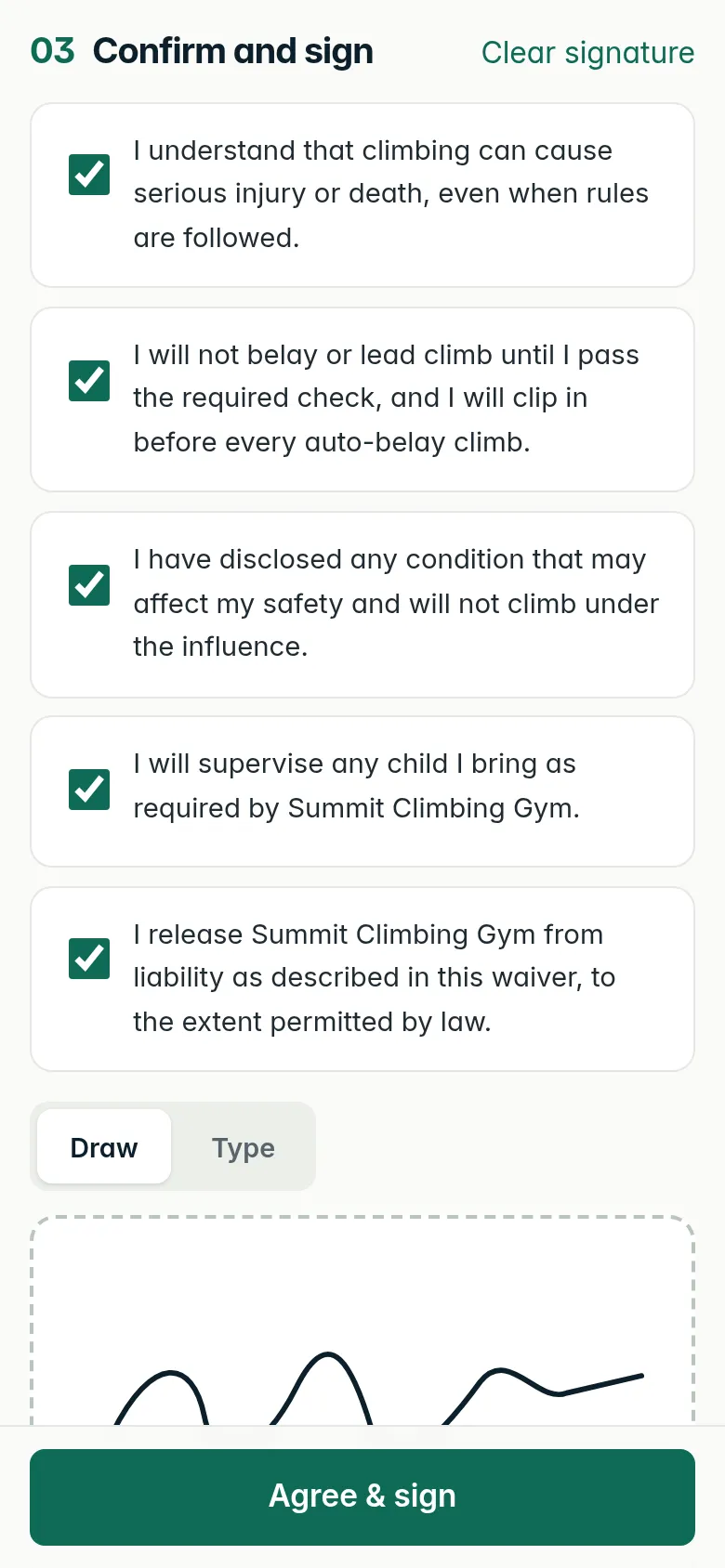
Collect signed waivers online
Customers sign on their phone, a QR code or a front-desk tablet. Every signature is stored as a PDF with an audit trail. Free for 25 signatures a month.
Start free