Who Waiver Electronic is good for
Waiver Electronic (by Electronic Works LLC) is a long-running waiver tool with a kiosk app for iPad, Android and Amazon Fire tablets, offline signing that syncs when you are back online, unlimited devices and templates on every plan, and an online booking module. If you want waivers and bookings in one system, or you sign in places with poor signal, it covers needs FairWaiver does not try to.
It also has some of the lowest volume-based prices in the category at higher volumes, which makes it worth a look for large, steady operations.
How Waiver Electronic pricing works
As listed on their pricing page in November 2026, every plan has a monthly waiver allowance:
| Plan | Price | Waivers per month |
|---|---|---|
| Basic | $11.99/month for the first year, then $14.99 | 70 |
| Starter | $34.99/month for the first year, then $49.99 | 600 |
| Business | $119.99/month | 2,500 |
| Premier | $249.99/month | 8,000 |
| Enterprise | $499.99/month | 20,000 |
All plans include a 15-day free trial with no credit card. Their pricing page does not say what happens when you sign more waivers than your plan allows, so ask their team before you rely on a tier in your busy season.
Two things to watch: Basic covers only 70 waivers a month, so a business signing 100 a month needs Starter. And the Basic and Starter prices go up in year two.
Examples, using the price from year two:
- 100 waivers a month: Starter, $49.99/month.
- 300 waivers a month: Starter, $49.99/month.
- 1,000 waivers a month: Business, $119.99/month.
- 2,500 waivers a month: Business, $119.99/month.
Where FairWaiver is different
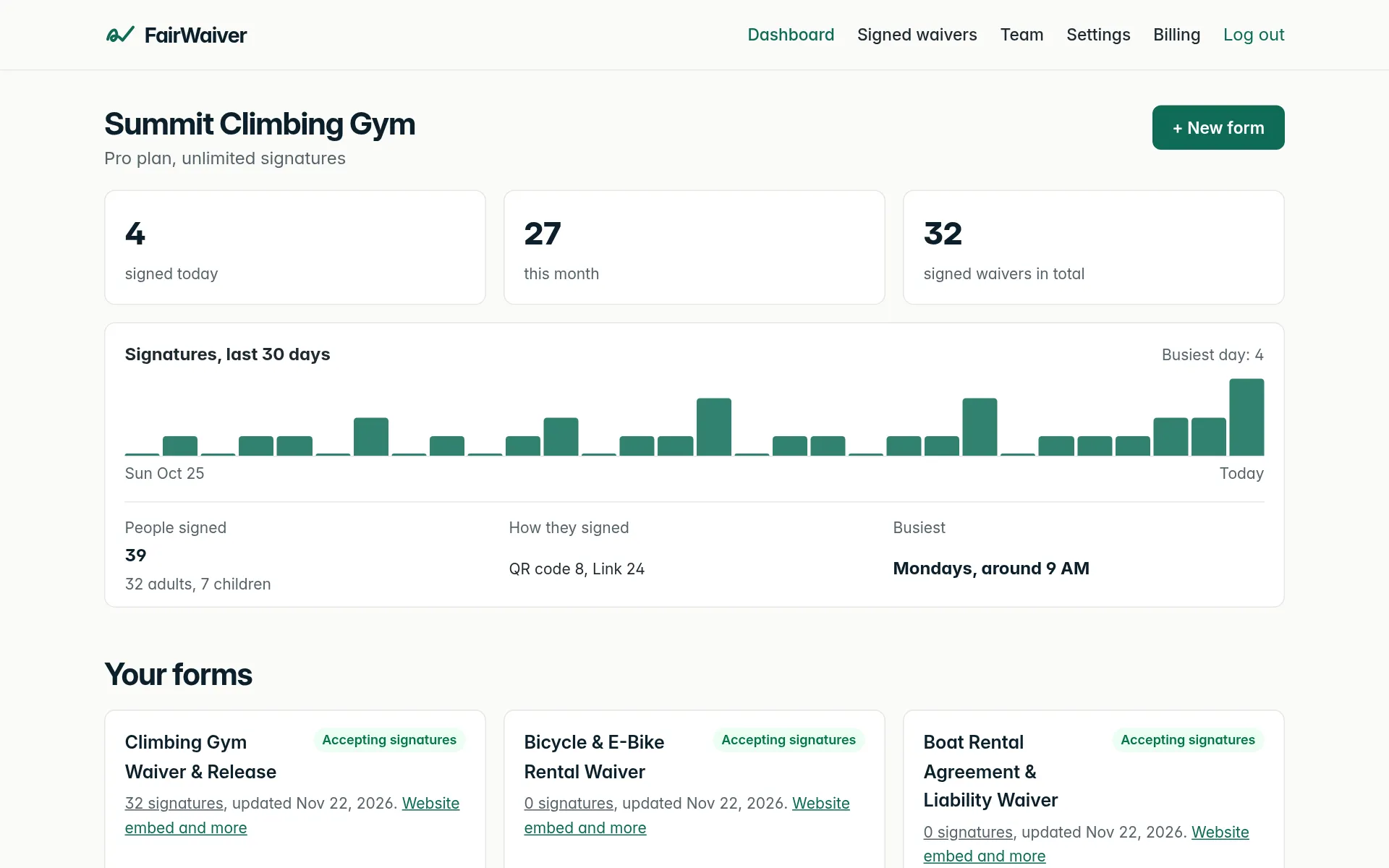
Flat and predictable. FairWaiver Pro is $15/month or $150/year with unlimited signatures and unlimited forms, in year one and every year after.
Free to start. The Free plan includes 1 active form and 25 signatures a month, with no credit card and no trial end date.
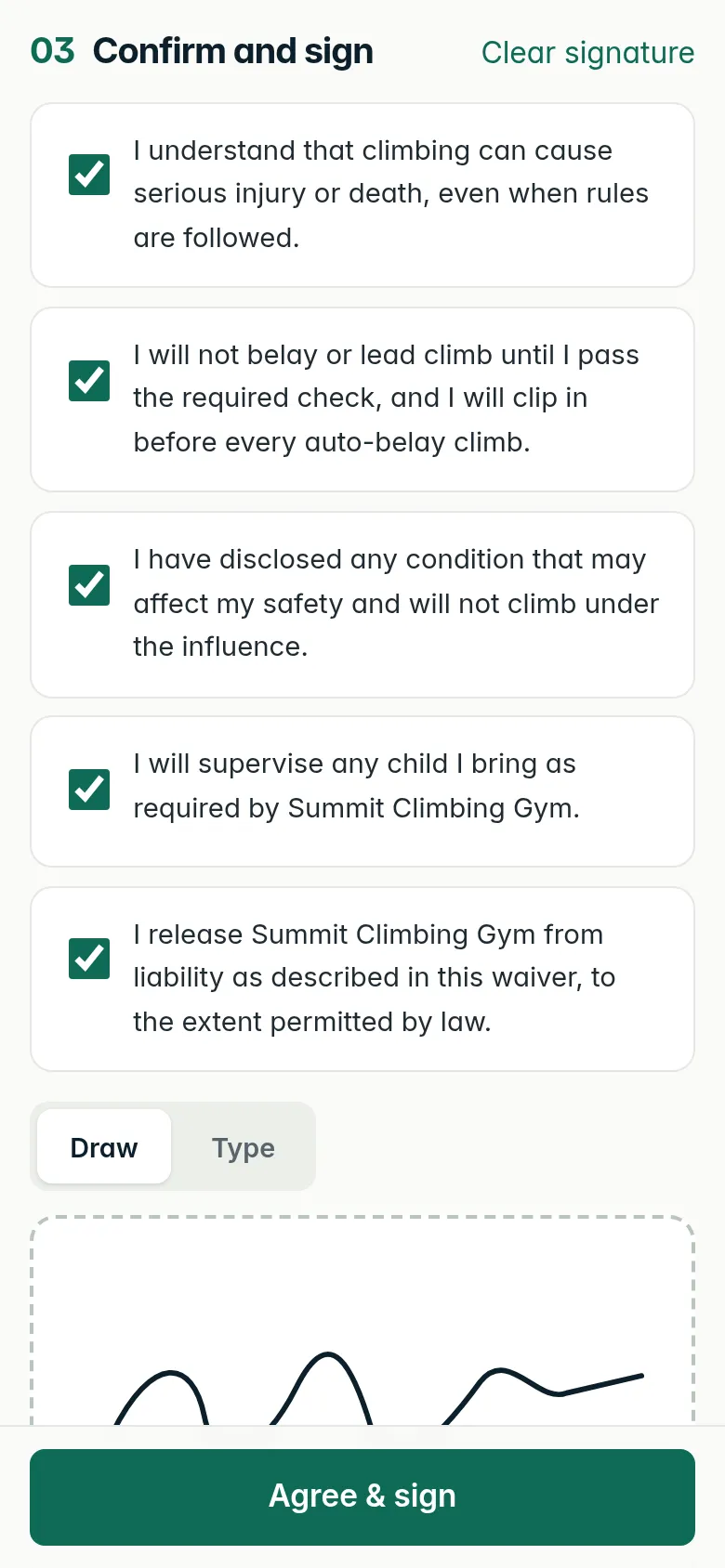
No app. Signers use their own phone, a tablet in kiosk mode or a computer. Kiosk mode resets after each signer and after 2 minutes idle. See waiver kiosk mode.
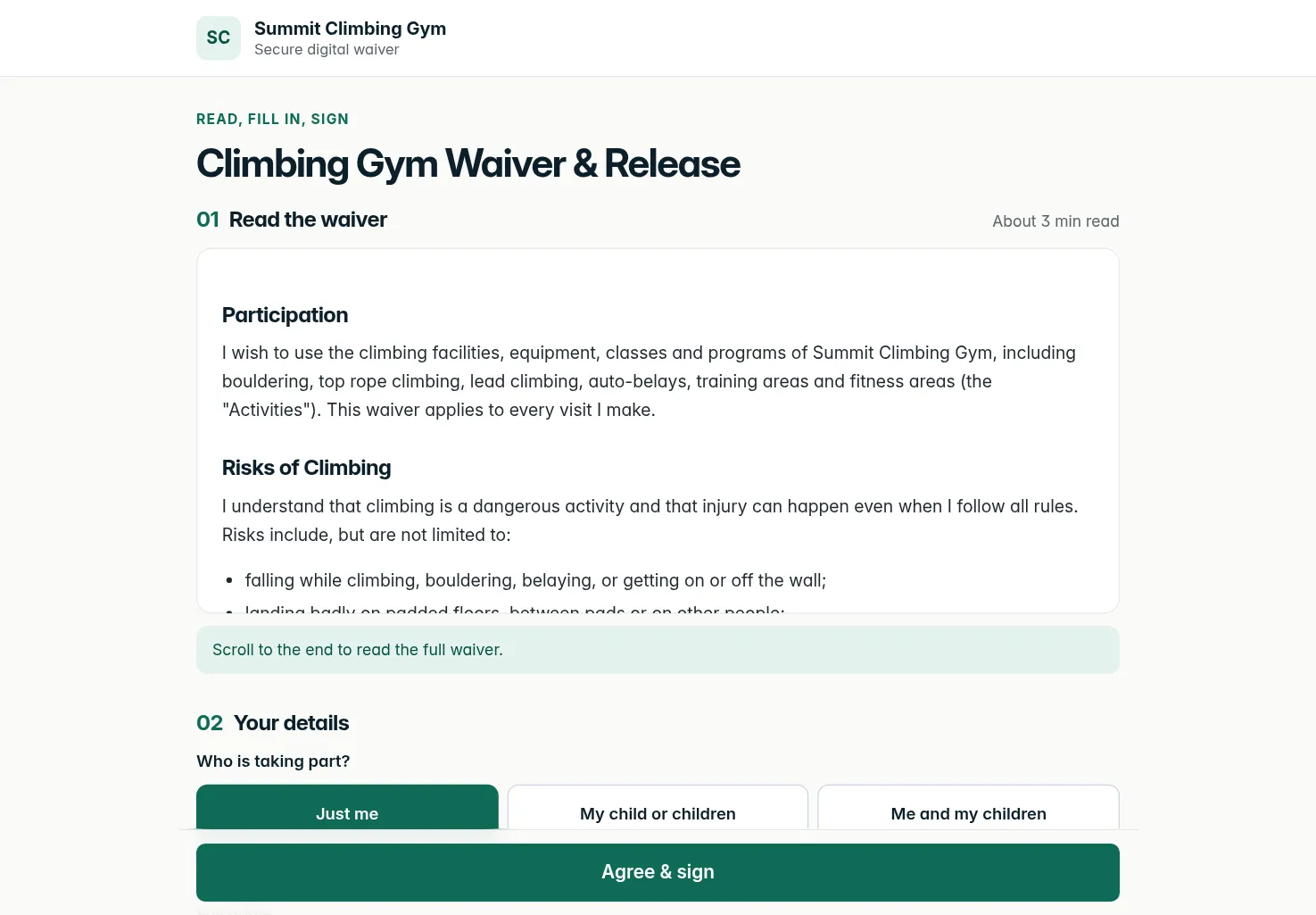
Fast conversion of your current waiver. Upload a PDF, Word file or photos of your paper waiver and FairWaiver turns it into an online form with fields, questions and initials boxes automatically. You review and edit before publishing.
Where Waiver Electronic is ahead. FairWaiver has no offline mode, no native app and no booking or payments module.
How to switch from Waiver Electronic
- Create a free FairWaiver account.
- Upload your current waiver. Edit the result if needed and publish it.
- Replace your waiver link on your website and booking confirmations, print the QR code poster, and open kiosk mode on your tablet.
- Export your signed waivers from Waiver Electronic before you cancel.
See how other tools compare in our best waiver software guide.