FairWaiver's free plan lets you collect online waivers at no cost: 1 active waiver form and 25 signatures a month, with no credit card and no time limit. Customers sign on their phone, a tablet or a computer, every signer gets a signed PDF, and you keep a searchable record of every waiver. When you need more, Pro is $15/month for unlimited signatures.
What the free plan includes
The free plan is not a stripped-down demo. It includes the same signing experience and the same records as Pro:
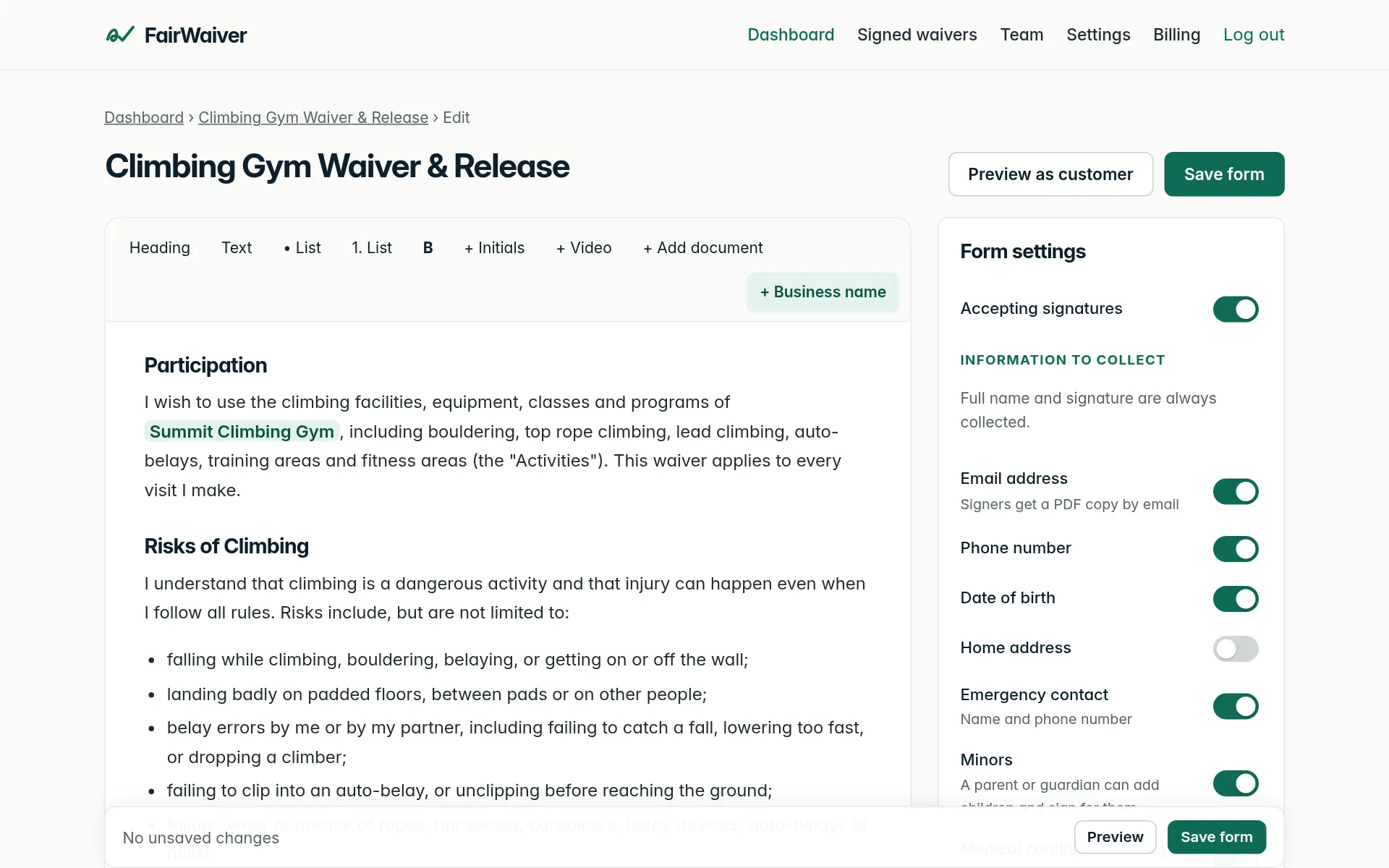
- 1 active waiver form with your own wording, or one of 28+ editable templates
- 25 signatures a month, resetting at the start of each month
- Upload your existing waiver as a PDF, Word file or photos, and it becomes an online form automatically
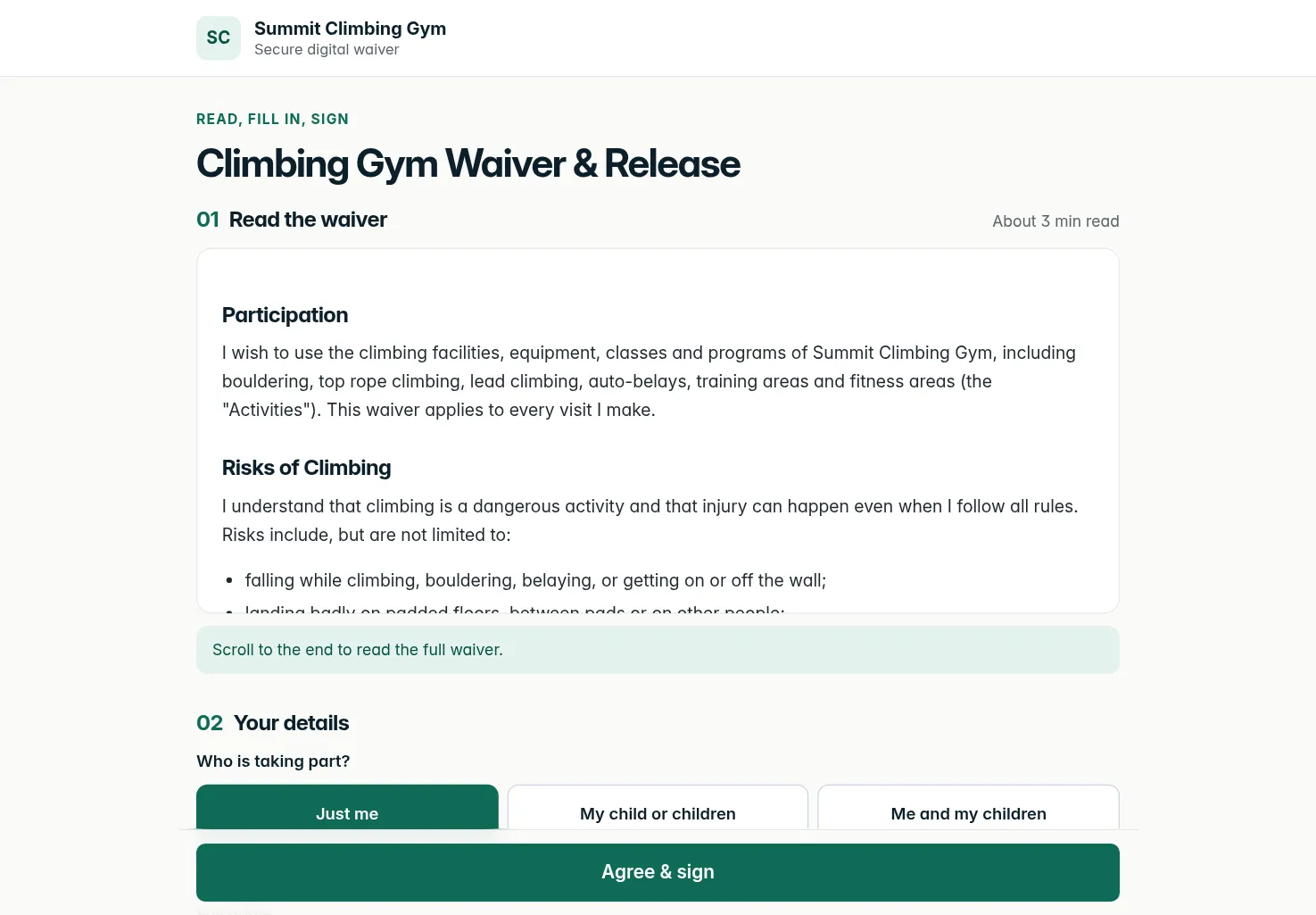
- Signing on any device with no app: share link, QR code poster, website embed and email invitations
- Tablet kiosk mode that resets after each signer and after 2 minutes idle
- Minors signed by a parent or guardian, with an under-18 check when you collect dates of birth
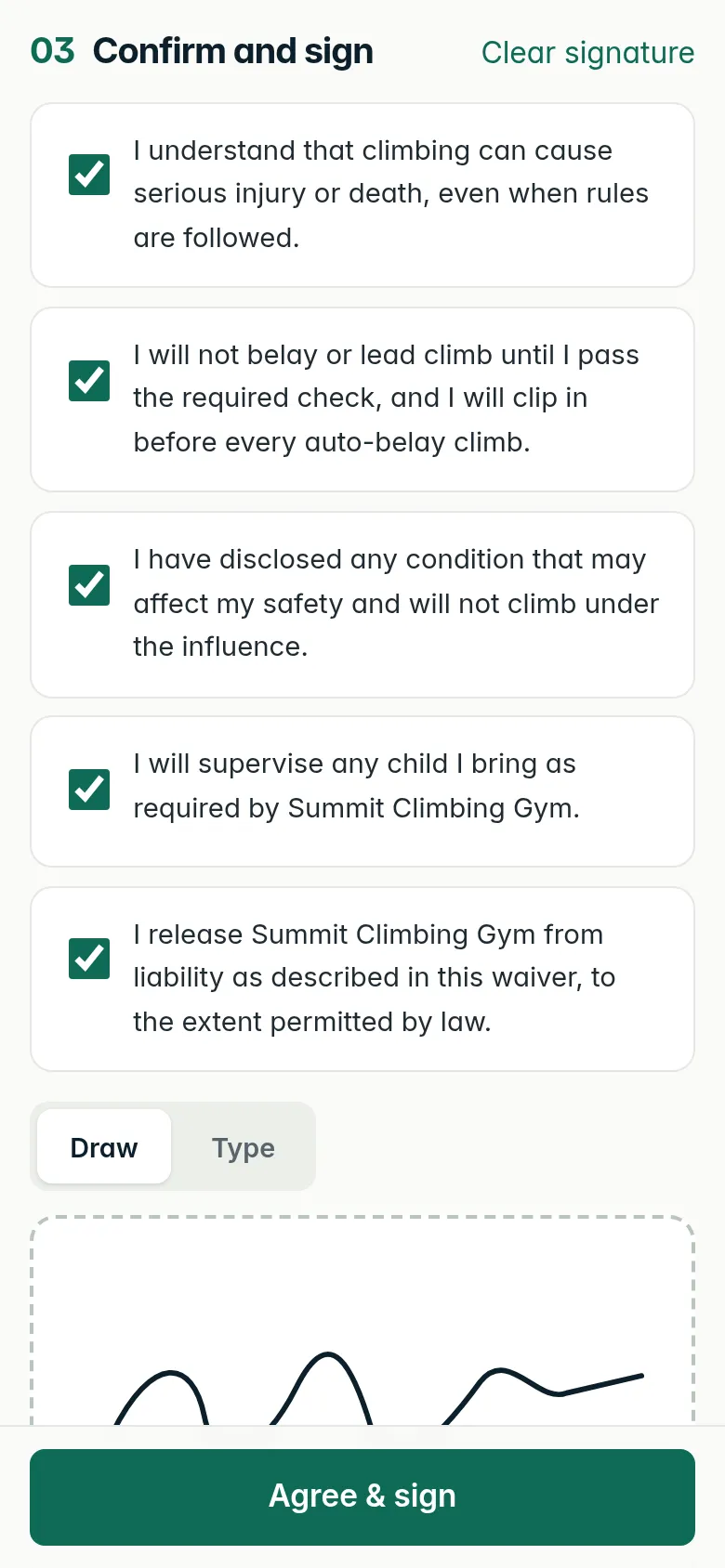
- Custom questions (yes/no, choices, text, date, photo or ID upload), follow-up questions, initials boxes and statements to tick
- Drawn or typed signatures
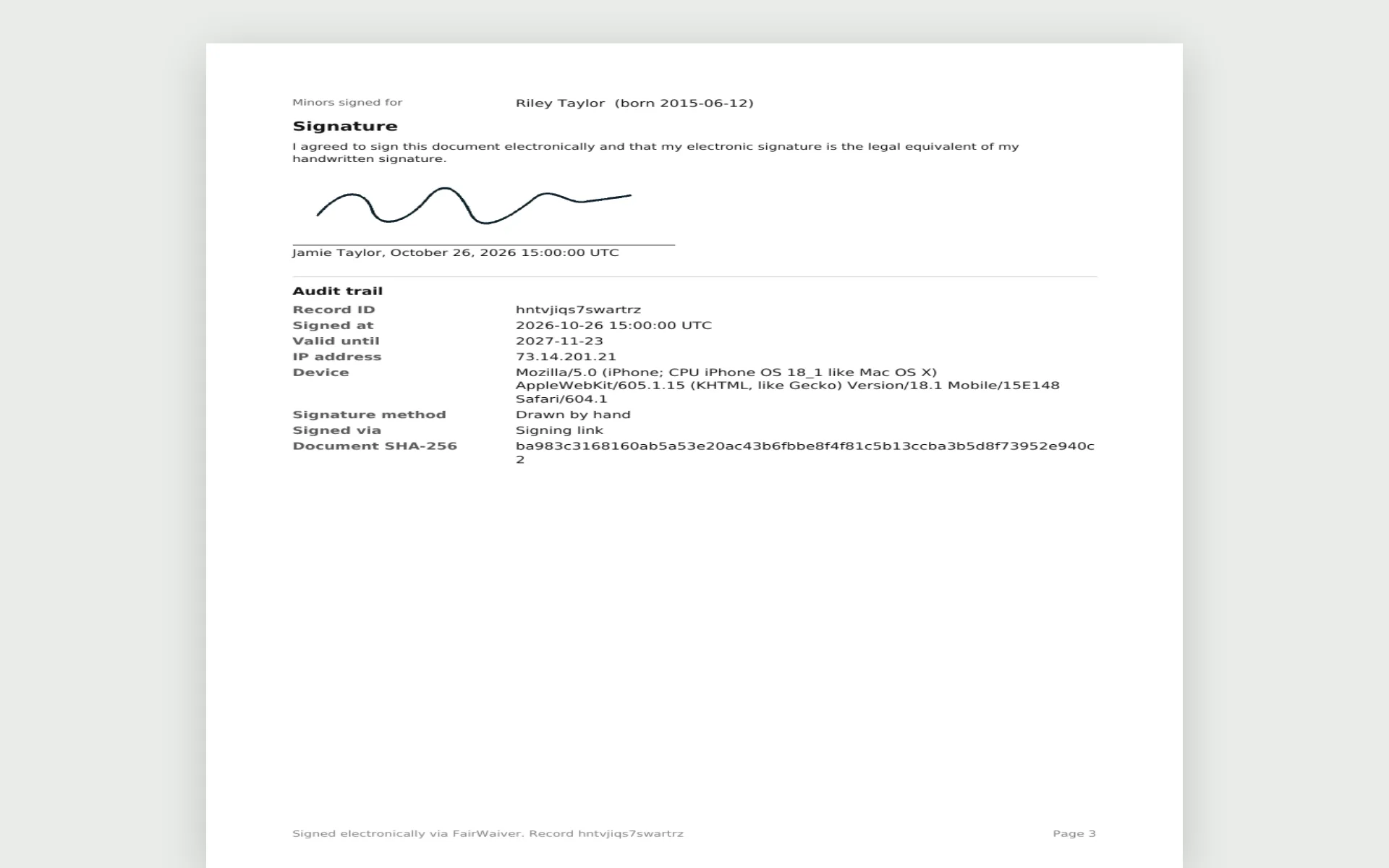
- Signed PDF with audit trail (time, IP address, device and document fingerprint) emailed to each signer
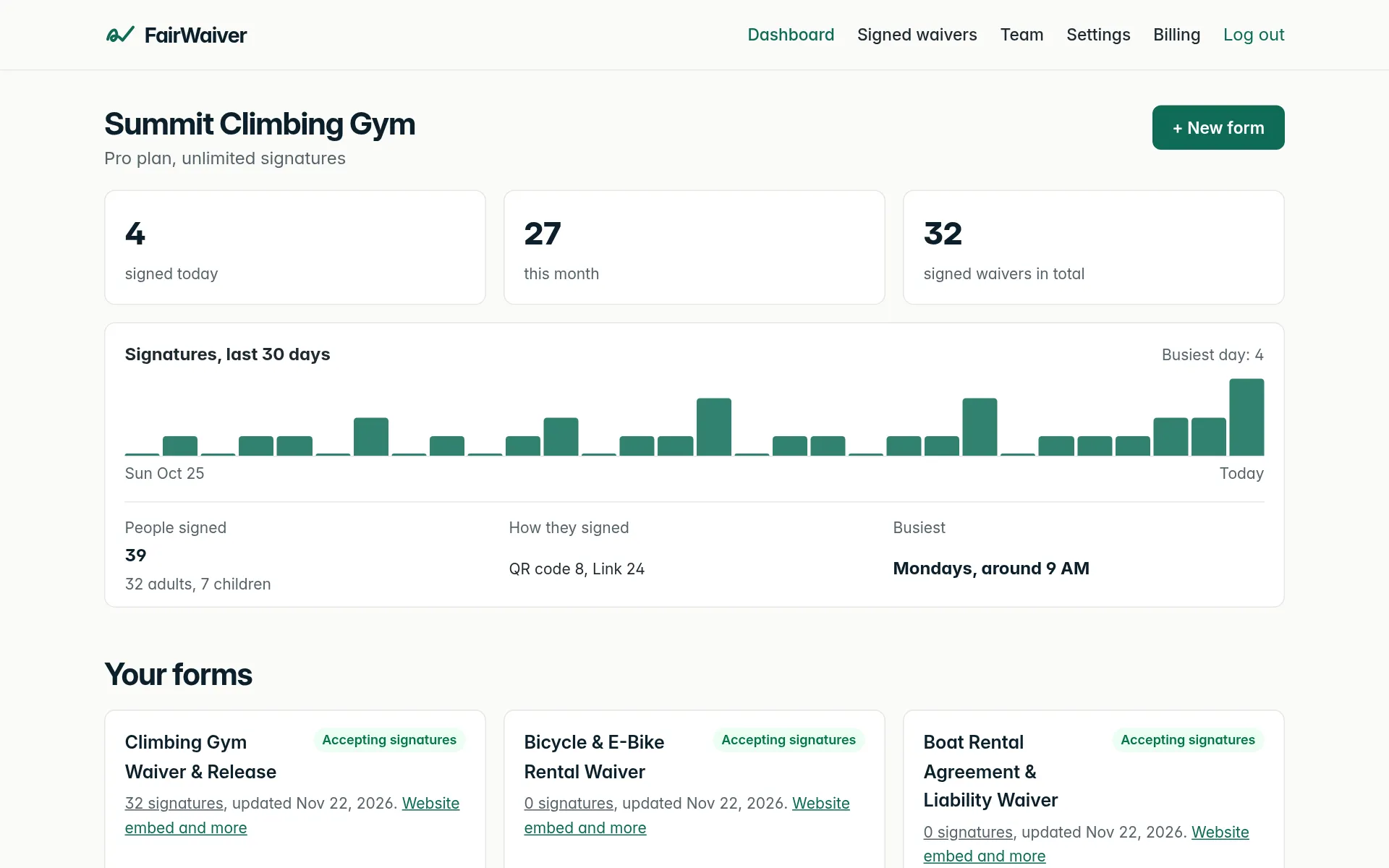
- Searchable archive with check-in, notes, tags, expiry dates and flagged answers
- Staff logins so your team can look up waivers
Electronic signatures collected with FairWaiver follow the US ESIGN Act and UETA.
Free plan limits
We want the free plan to be useful, so the limits are simple and clear:
| Feature | Free | Pro |
|---|---|---|
| Price | $0 | $15/month or $150/year |
| Active forms | 1 | Unlimited |
| Signatures | 25 a month | Unlimited |
| Your logo, no FairWaiver branding | No, small FairWaiver mark | Yes |
| Expiry reminder emails | No | Yes |
| Zapier and webhooks | No | Yes |
| CSV export and bulk PDF download | No | Yes |
If a free account reaches 25 signatures in a month, new signatures pause until the next month starts, and we email you. Everything already signed stays available, and upgrading takes effect immediately, so a busy day never has to stop your front desk for long.
Who the free plan is for
- Small studios and solo businesses: a personal trainer, massage therapist, tattoo artist or photographer with a handful of new clients each month.
- Occasional events: a yearly fun run, a community workshop or a volunteer day.
- Trying it out: set up your real waiver, test it on your phone and a tablet, and show it to your team before you switch from paper or another tool.
When to upgrade to Pro
Upgrade when one of these happens:
- You regularly get more than 25 signers a month.
- You need more than one active form, for example an adult waiver and a separate minor or rental agreement.
- You want your own logo on forms and PDFs, with no FairWaiver branding.
- You want automatic reminder emails before waivers expire.
- You want to send signers to other tools through Zapier or webhooks, or export everything as CSV and PDFs.
Pro is $15/month or $150/year with unlimited signatures and forms, and there are no per-signature fees. Your first payment has a 30-day money-back guarantee.
How free waiver tools compare
Many waiver tools offer a trial rather than a free plan, or a free plan with tight limits. As listed on their sites in November 2026: Smartwaiver and WaiverSign offer trials, WaiverForever has a free plan with 20 submissions a month, and Jotform's free plan allows 100 submissions a month but only 500 stored in total. See the best waiver software comparison for details.
A free online waiver beats a free PDF or a generic form in a few ways that matter later: each signer gets a signed copy, you get a record of exactly what was signed and when, and you can find any waiver in seconds instead of searching a filing cabinet.
Start your free online waiver in 2 minutes
- Sign up with your email or Google account. No credit card.
- Add your waiver. Upload the waiver you already use, or pick a template such as the liability waiver, release of liability form or event waiver. Add your business name and any questions you need.
- Share it. Copy the link, print the QR code poster or open kiosk mode on a tablet. Sign it once yourself to see what your customers will see.
That is it. Your waiver is live, and every signature appears in your archive as it happens.
A note on wording: a template is a starting point, not legal advice. Waiver rules vary by state, so have a local attorney review your waiver before you rely on it.