Who Smartwaiver is good for
Smartwaiver is one of the oldest names in digital waivers. It has been around for more than 15 years, and it is a solid choice for businesses that need a dedicated kiosk app with offline signing, a large integrations list, or an enterprise plan with a dedicated team. If you run a big multi-location operation, or you sign waivers in places with no internet at all, Smartwaiver's app and enterprise support are real strengths.
Smartwaiver also lets you drop to a low-cost storage plan in the off-season instead of cancelling, and its team will build your digital waiver from your paper version.
How Smartwaiver pricing works
Smartwaiver charges by the number of waivers you collect each month. As listed on their pricing page in November 2026:
| Plan | Monthly | Yearly | Waivers per month |
|---|---|---|---|
| Basic | $22 | $210 | up to 100 |
| Starter | $60 | $575 | up to 300 |
| Business | $160 | $1,580 | up to 1,000 |
| Premium | $205 | $2,029 | up to 2,500 |
| Enterprise | Custom | Custom | more than 2,500 |
Smartwaiver does not charge per extra waiver. Instead, their help center explains that once the monthly limit is exceeded, your waiver links are disabled until you upgrade, which means customers cannot sign on your website or on a kiosk. You get warning emails from 75% of the limit, and you can upgrade (and later downgrade) at any time with a prorated credit.
That model works well if your volume is steady and predictable. It is harder for seasonal businesses: a summer camp, a trampoline park on a holiday weekend or a rental shop in peak season has to watch the counter or pay for the bigger tier in advance. For a full breakdown with cost examples, see our Smartwaiver pricing guide.
Where FairWaiver is different
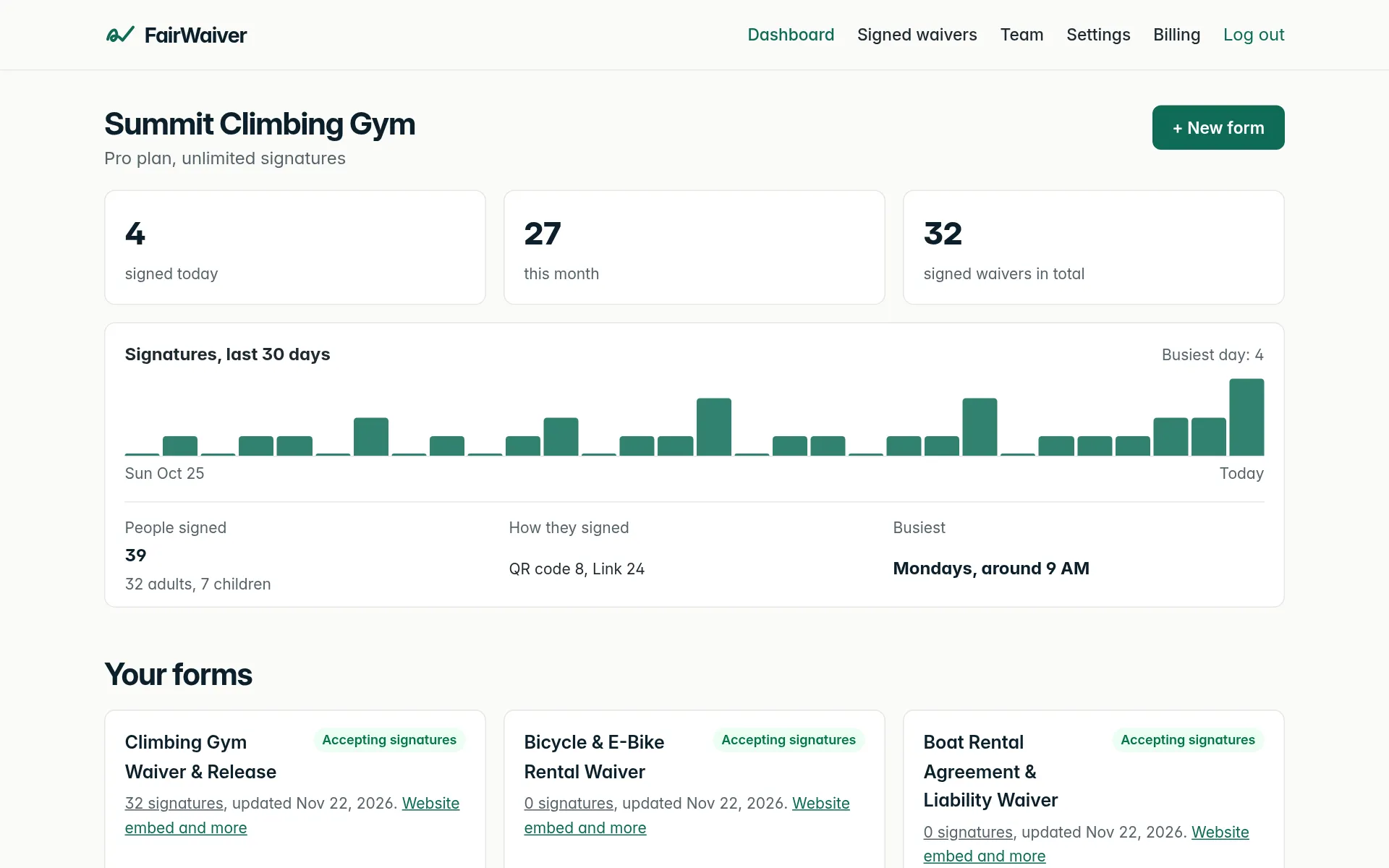
Flat pricing. FairWaiver Pro is $15/month or $150/year with unlimited signatures and unlimited forms. There is no tier to pick and no counter to watch. At 300 waivers a month that is $15 instead of $60. At 2,500 waivers a month it is $15 instead of $205.
A free plan you can actually use. The Free plan includes 1 active form and 25 signatures a month, with no credit card. Small studios and occasional events can stay on it as long as they like.
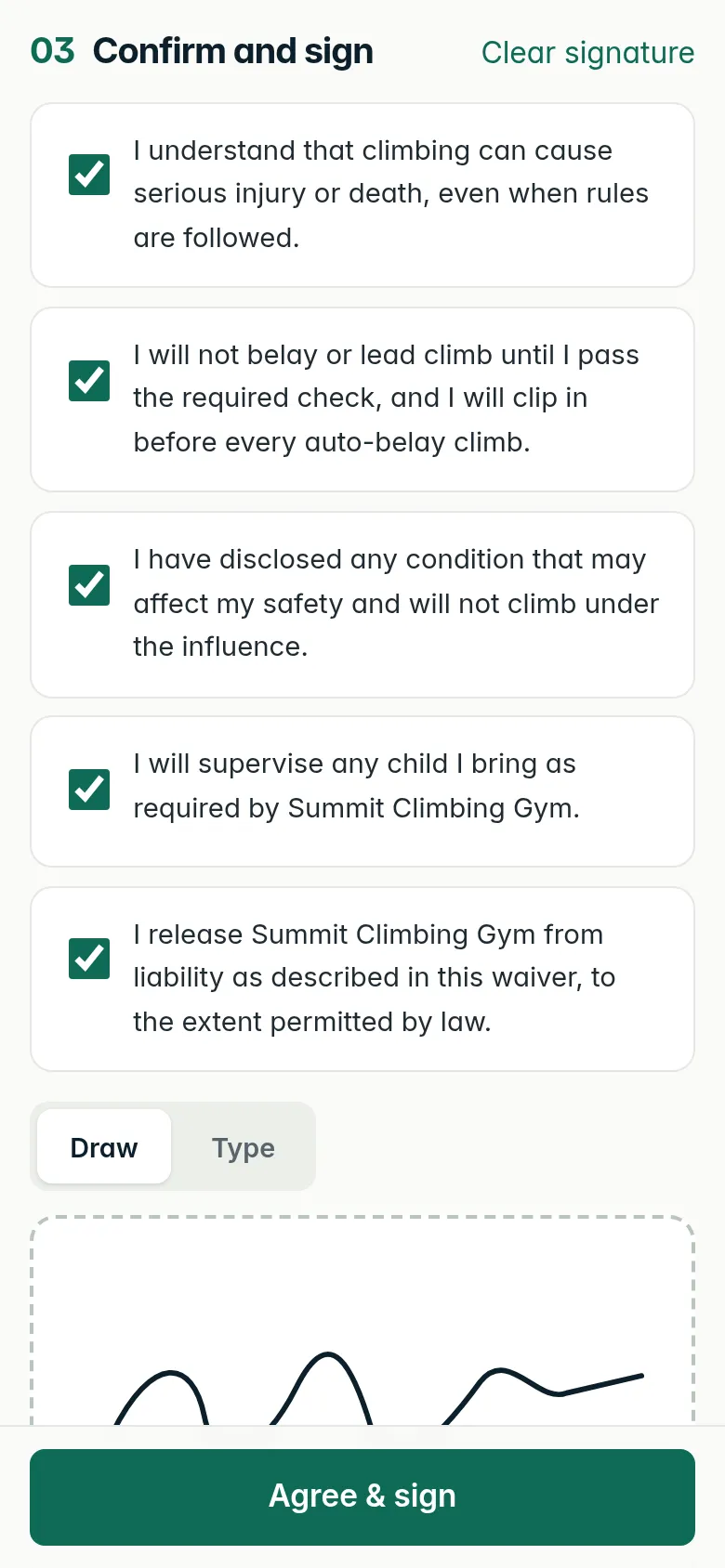
No app. Signers use any phone, tablet or computer. For the front desk, open kiosk mode in the tablet's browser. It clears after each signer and after 2 minutes of no activity. There is also an all-forms kiosk where people pick the right waiver. See waiver kiosk mode.
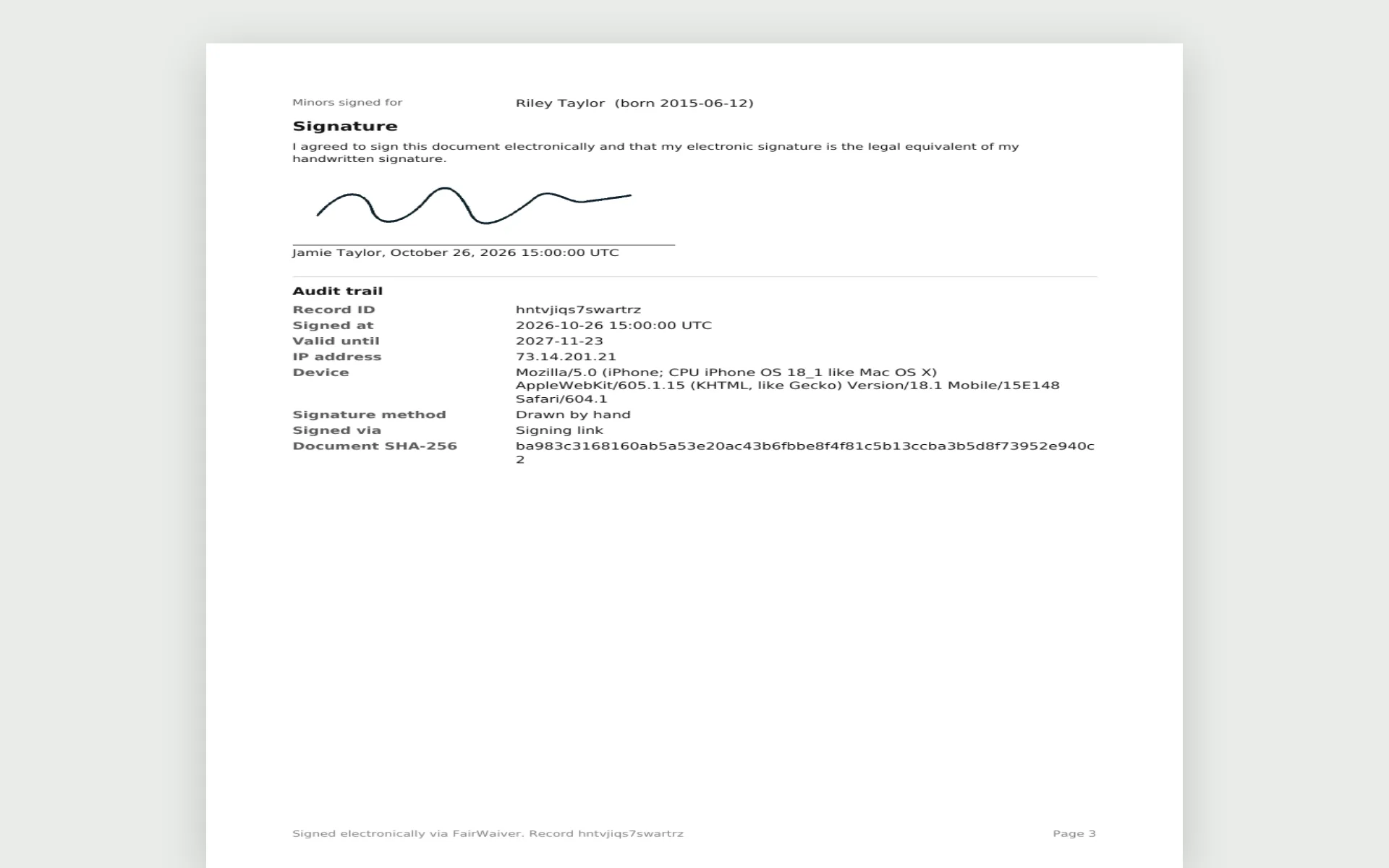
The basics are in every plan. Minors signed by a parent or guardian with an under-18 check, custom questions, photo or ID upload, initials, drawn or typed signatures, QR code posters, website embed, expiry dates, check-in and staff logins are included on all plans. Pro adds your logo, expiry reminder emails, webhooks (for Zapier), CSV export and bulk PDF download.
Where Smartwaiver is ahead. FairWaiver does not have offline signing or a native kiosk app, and it does not offer SMS. If you need waivers signed with no internet connection, Smartwaiver's app is the better fit.
How to switch from Smartwaiver
- Create a free FairWaiver account.
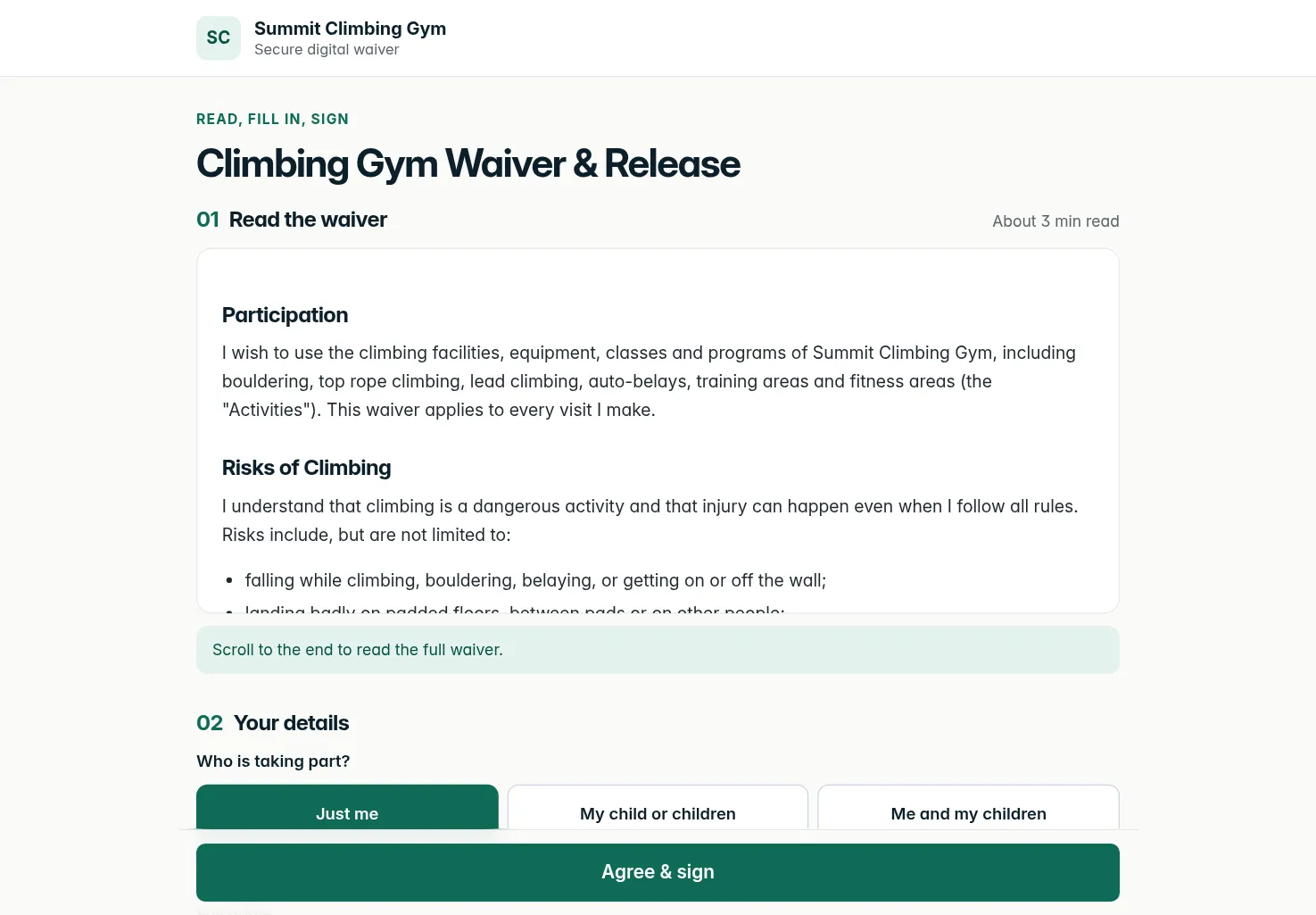
- Download your current waiver text or PDF from Smartwaiver and upload it to FairWaiver. A PDF, Word file or photos of a paper copy all work. FairWaiver turns it into an online form with your fields, questions and initials, and you can edit anything before you publish.
- Replace the waiver link on your website and booking confirmations, print the new QR code poster, and open kiosk mode on your front desk tablet.
- Keep your old Smartwaiver records. Download your signed waivers before you cancel so you have them for your files.
You can run both side by side for a few days, then move fully once your staff are comfortable.