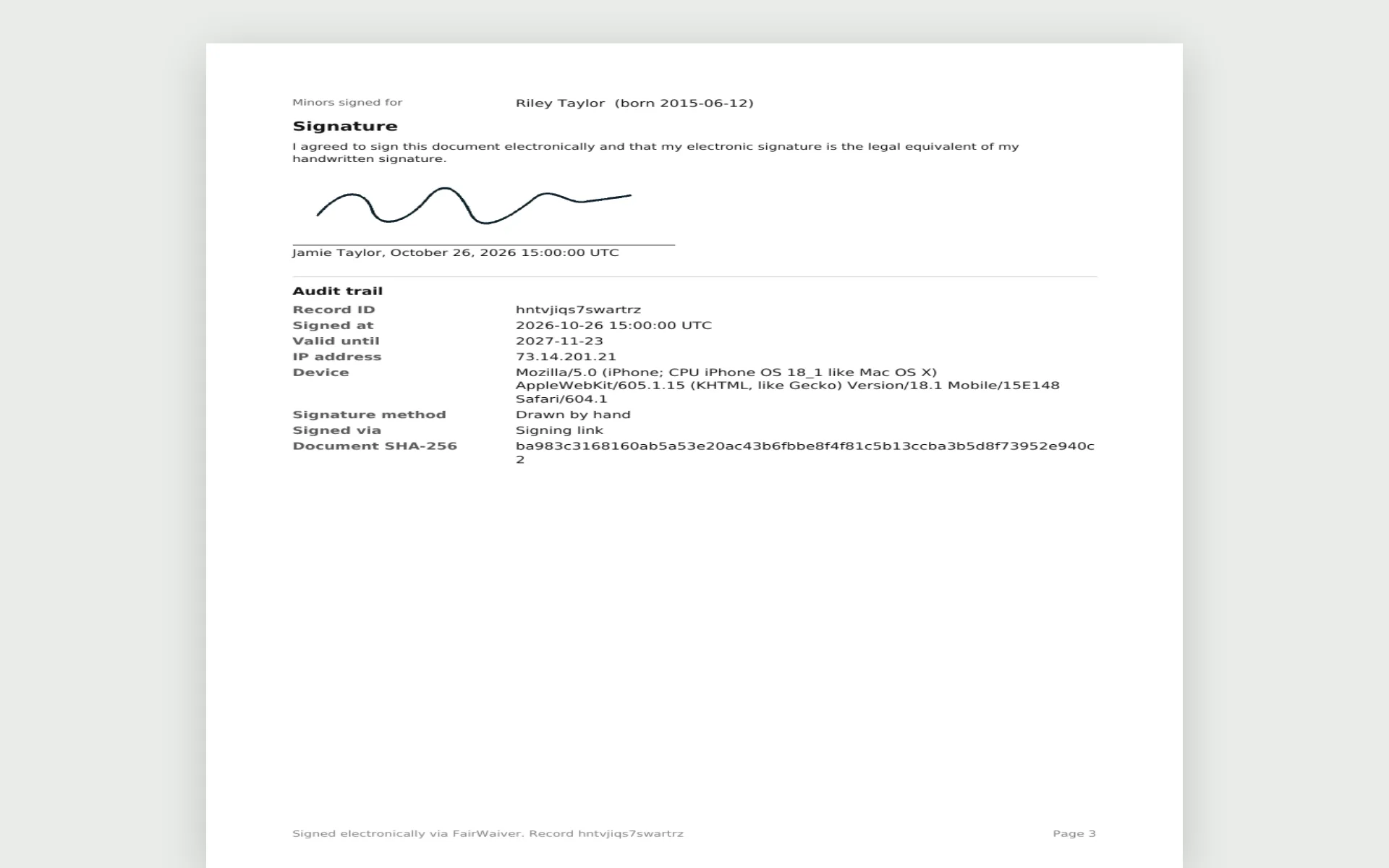
An electronic signature waiver is a liability waiver or release that your customer reads and signs on a screen instead of on paper. In the US, electronic signatures are generally as valid as handwritten ones under the federal ESIGN Act and state laws based on UETA, as long as the signer intends to sign, agrees to do business electronically and the signed record is kept accurately. FairWaiver handles each of those steps for you and records a full audit trail for every signature.
Are electronic signatures on waivers legal?
Two laws form the basis for electronic signatures in the US:
- The ESIGN Act (Electronic Signatures in Global and National Commerce Act, 2000) is a federal law. It says a signature or contract cannot be denied legal effect just because it is electronic.
- UETA (Uniform Electronic Transactions Act) is a model law adopted by nearly every state. New York has its own electronic signature law instead, with similar principles.
In broad terms, an electronic signature is valid when:
- The signer intends to sign. They take a clear action, like drawing or typing their name and pressing a sign button.
- The signer consents to sign electronically. They agree to use an electronic record and signature instead of paper.
- The signature is linked to the record. You can show which document was signed, and that it has not changed since.
- The record is kept. You can store it and reproduce it accurately later, and the signer can get a copy.
An important distinction: these laws make the electronic signature valid. They do not decide whether the waiver itself is enforceable. That depends on the wording, the activity, whether negligence is covered, whether a parent signed for a minor and the law in your state. Courts in some states are strict with waivers, and a few limit them heavily. This page is general information, not legal advice, so have a local attorney review your waiver. For more detail, read are electronic signatures legally binding and are liability waivers enforceable.
How FairWaiver handles each requirement
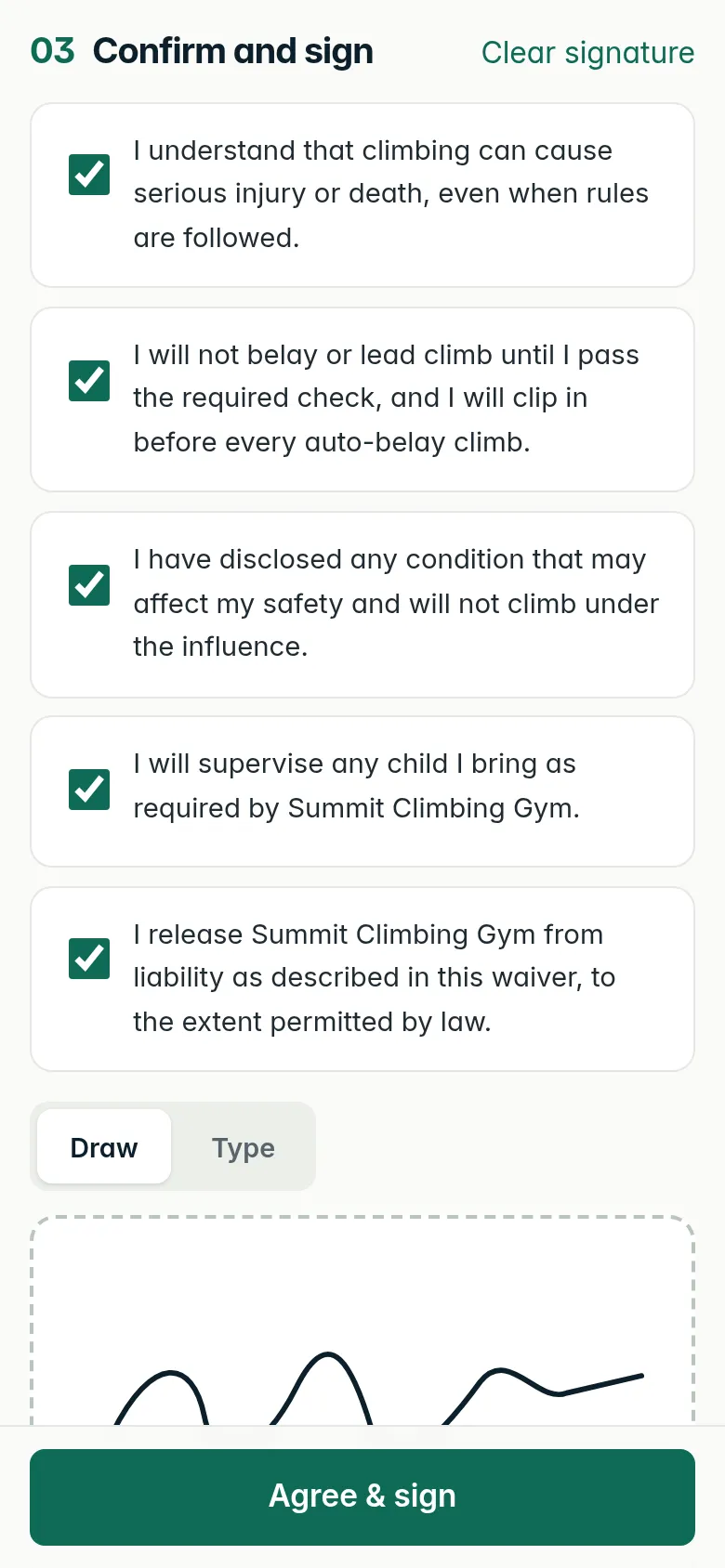
Clear intent. Signers draw their signature with a finger or mouse, or type their name in a signature style. You choose per form whether to allow drawn, typed or both. You can also require initials next to important sections and statements the signer must tick, such as "I understand the risks of this activity."
Consent to sign electronically. Before signing, every signer ticks a required box confirming they have read the document, agree to sign electronically and accept that their electronic signature is the legal equivalent of their handwritten one. That statement is printed on the signed PDF.
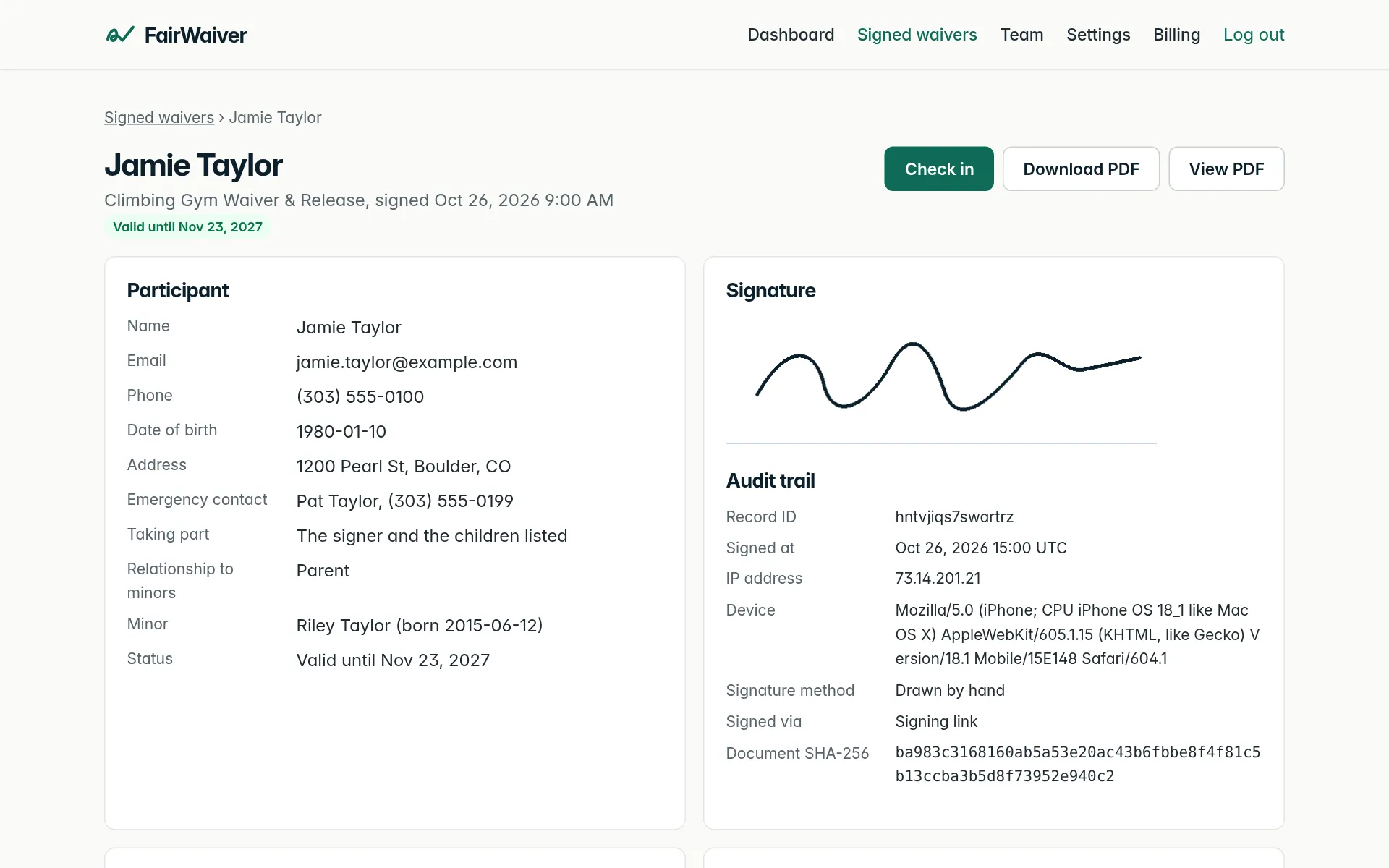
The exact text, locked. When someone signs, FairWaiver stores a snapshot of the exact waiver text they saw, with a SHA-256 fingerprint of the document. If you edit your waiver next month, records signed before the change still show the original wording.
A full audit trail. Every signed record includes the date and time, IP address, device and browser, how the waiver was signed (link, QR code, kiosk or website embed) and the document fingerprint.
A copy for the signer. Each signer receives a signed PDF by email. You can resend a copy later, even to a corrected email address, without changing the record.
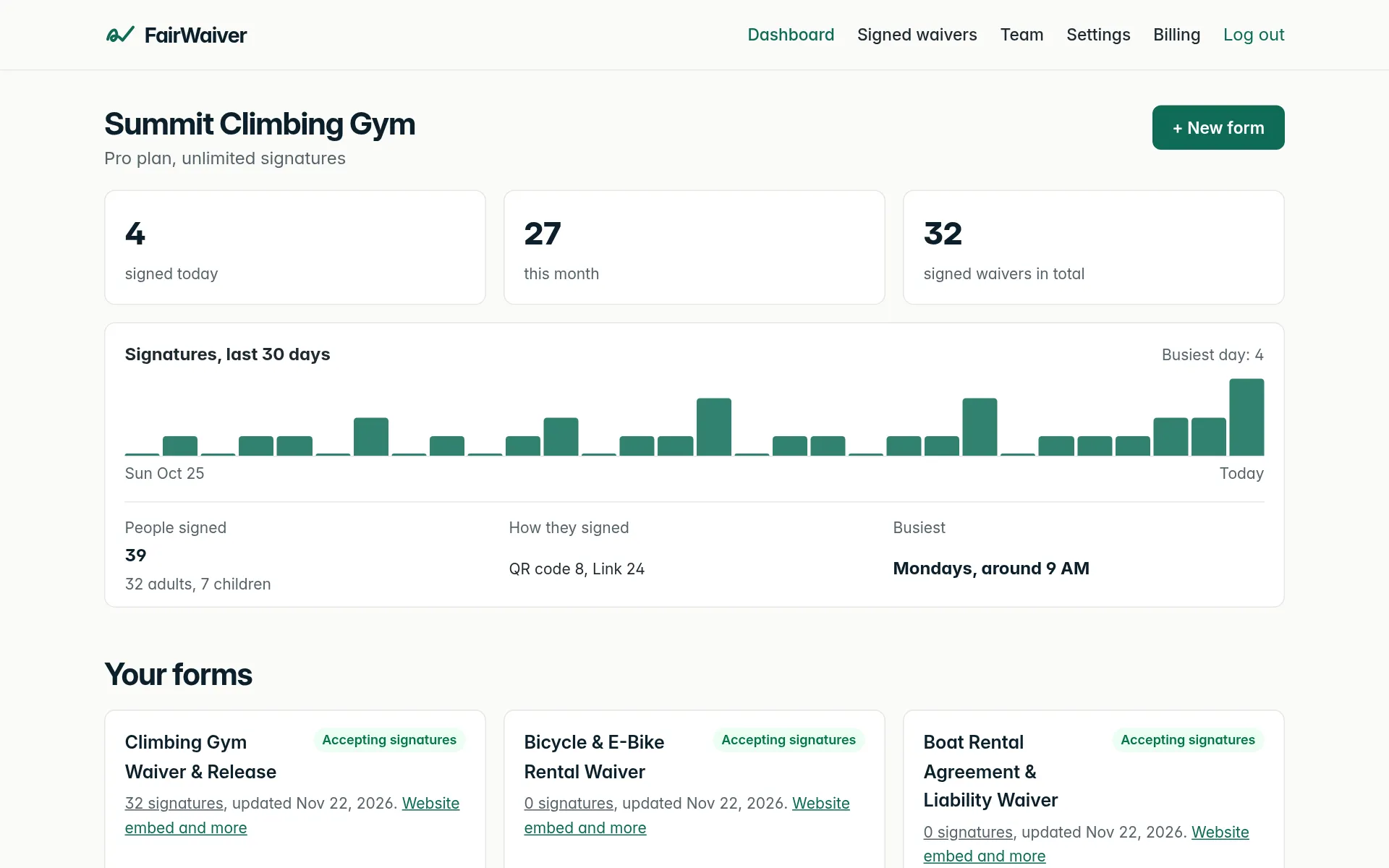
Records you can find. All waivers are stored in a searchable archive. Search by name, email, phone or date of birth, and download the signed PDF in a couple of taps. On Pro you can download all PDFs at once or export to CSV.
How electronic waiver signing works
- Set up your waiver. Upload the waiver you use today (PDF, Word or photos) and FairWaiver turns it into an online form automatically, or start from a template like the liability waiver, release of liability form or hold harmless agreement.
- Share it. Send the link before the visit, print the QR code, embed it on your website or open kiosk mode on a tablet.
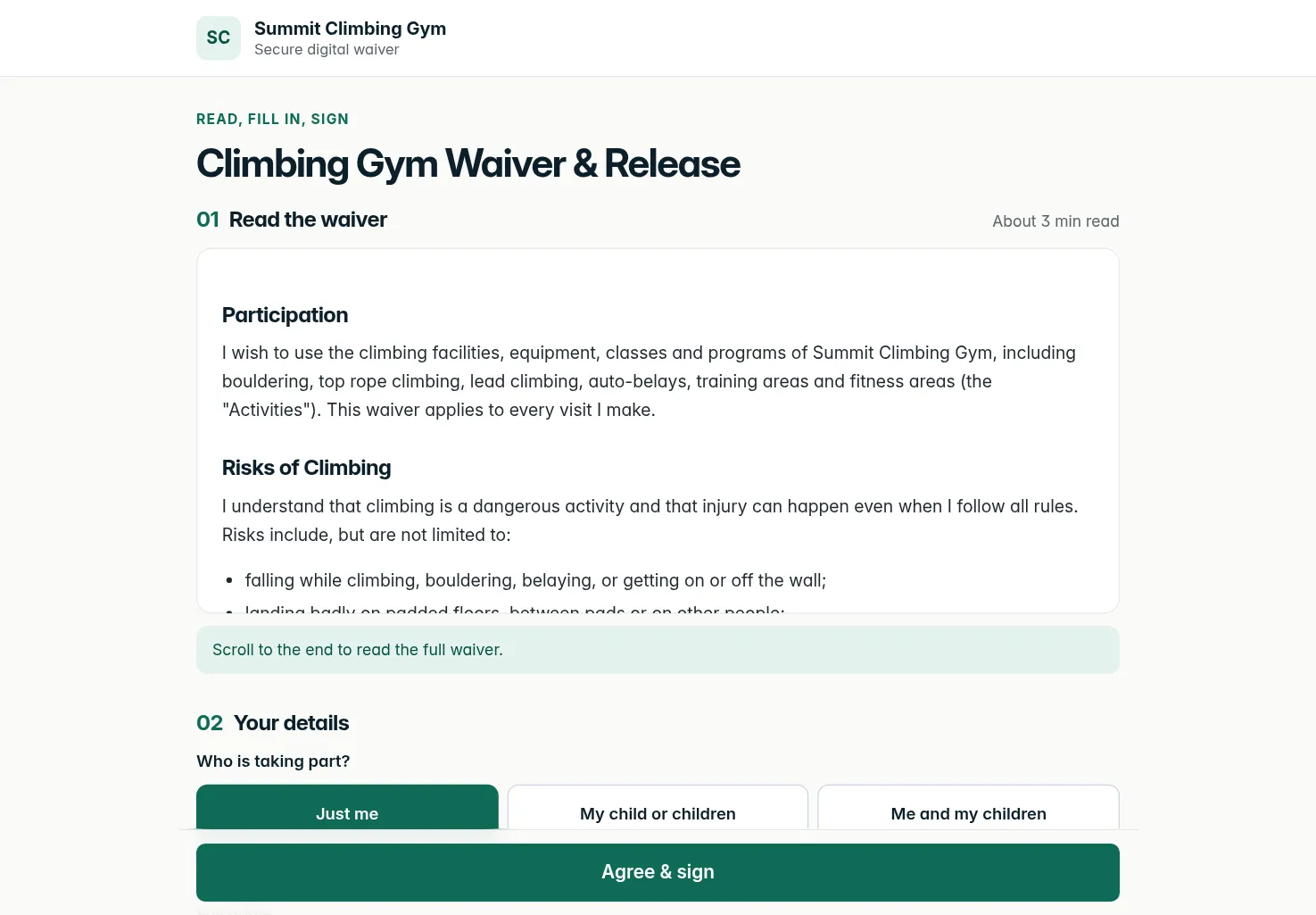
- The customer reads and signs. They fill in their details, answer your questions, tick the statements, add initials and sign.
- Everyone gets a record. The signer receives the signed PDF, and the record appears in your archive with its audit trail.
Minors and electronic waivers
Parents and guardians can sign for one or more children on the same electronic waiver, with each child's name and date of birth. When you collect dates of birth, FairWaiver stops under-18 signers from signing for themselves. Whether a parent can waive a child's claims varies a lot by state, so this is a point to cover with your attorney. See can a parent sign a waiver for a child.
Why businesses switch from paper
- No lost forms. Every waiver is stored and searchable, instead of sitting in a box.
- Complete forms. Required fields, initials and statements must be filled before signing, so no more missing signatures or unreadable handwriting.
- Faster check-in. Customers sign before they arrive, or on a tablet at the desk.
- Better evidence. A timestamped audit trail and locked document text are harder to dispute than an undated paper form.
What it costs
FairWaiver is free for 1 active form and 25 signatures a month. Pro is $15/month or $150/year for unlimited signatures and forms, with no per-signature fees. Read more about online waiver software or the free plan.